Kyron's answer only works for Gravatar images, so I'm going to post an HTML method that will work for everything. (The reason the Gravatars work there is because the server that processes the request is reading the =[number] syntax in the URL and is sending a different-sized image. But very few websites will actually do that for you -- our own doesn't -- so it's better to learn a solution that works on the client side.)
If you want to manipulate width and height of images, use the <img> HTML tag to insert your pictures. This tag is different from other HTML tags in that it closes itself, so its syntax is like <img ... /> and not the usual style where there is an opening tag and a closing tag. Where the three dots are is where you define the URL of the image and anything else you want to manipulate. You define the address using src, and size using width. There are others one too, notably height and style but those are disabled here.
The height and width attributes are defined in terms of pixels, but the browser reads it that way by default so you don't need to specify this like you normally would. They also lock proportions by default, so images won't be distorted i.e. height will change relative to width.
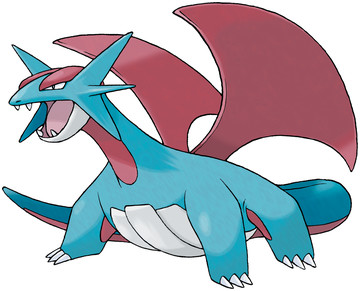
So for example, I'm going to post a picture of Salamence, first in an increased size, then in normal size and then in some smaller sizes. The code I'm posting is here, so you can see how to write this:
<img src="https://img.pokemondb.net/artwork/salamence.jpg" width="500"/>
<img src="https://img.pokemondb.net/artwork/salamence.jpg"/>
<img src="https://img.pokemondb.net/artwork/salamence.jpg" width="200"/>
<img src="https://img.pokemondb.net/artwork/salamence.jpg" width="100"/>
<img src="https://img.pokemondb.net/artwork/salamence.jpg" width="50"/>
<img src="https://img.pokemondb.net/artwork/salamence.jpg" width="20"/>
If you post code like that, your images will have a different size, as shown below. You'll be stopped from setting it anything above 999 on this site, so you won't be able to do anything silly with this -- I know there'll be some of you trying to set the image to 500,000 pixels. ;P